YOUR PERSONAL TECHNOLOGY PROFESSOR
Ask. Explore. Understand.
Choose a topic, ask a question, and open an interactive visual explanation. This prototype currently uses curated demonstration answers—not a live AI service.
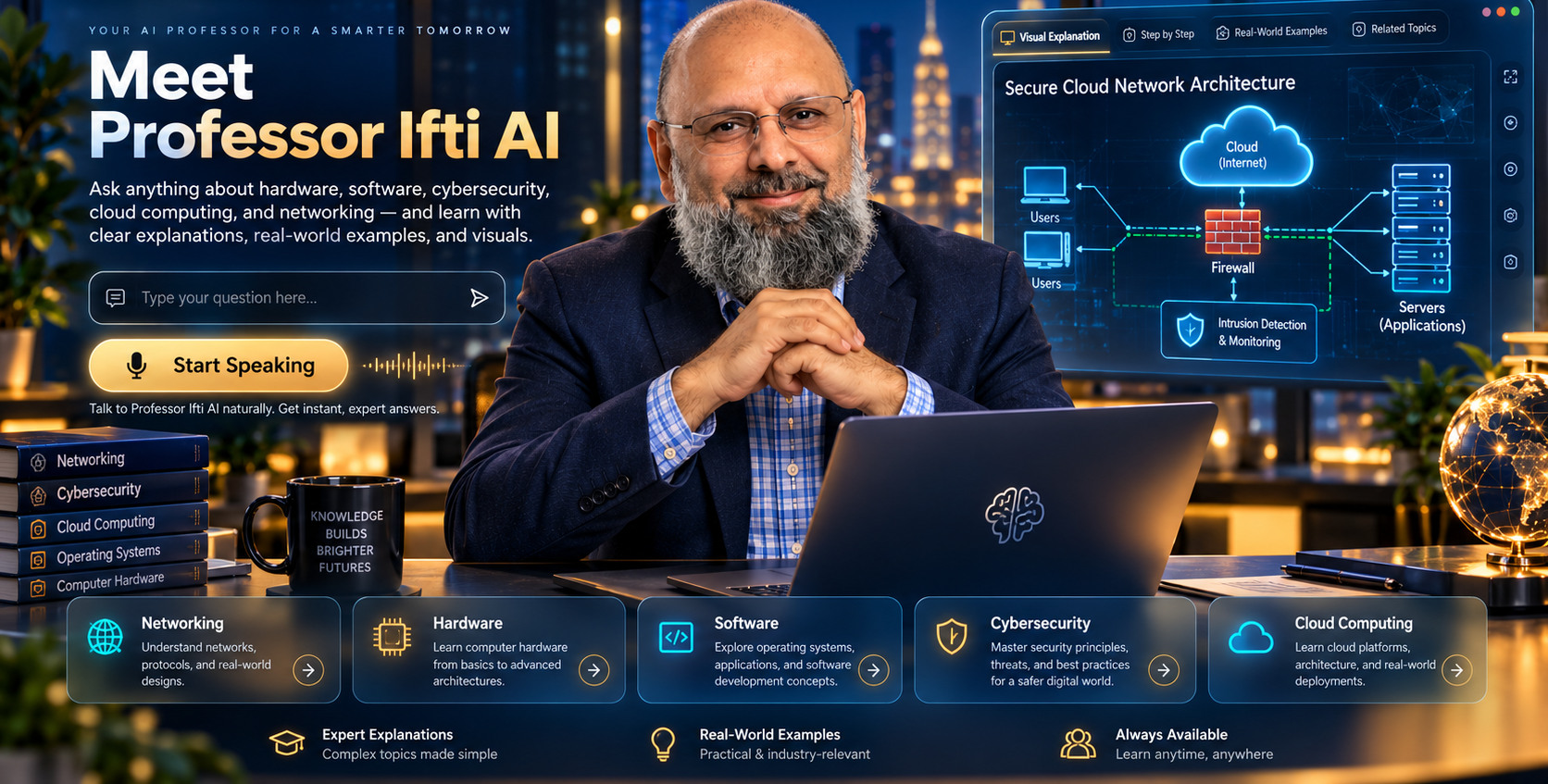
Select Internet, Users, Firewall, Servers, or Security monitoring to learn what each component does.
- Users request access to an application.
- Network traffic is routed toward the appropriate destination.
- A firewall evaluates traffic against its configured rules.
- Permitted traffic reaches the application service.
- Monitoring tools record or analyze relevant events.
A company web application
An employee opens a cloud-hosted work application. Their device sends network traffic toward the service. A firewall allows approved connections and rejects traffic prohibited by its rules. Monitoring tools can provide visibility into suspicious activity.
EXPLORE BY SPECIALTY
Five paths. One AI Professor.
HOW IT WORKS
Learn by seeing, doing, and asking.
Explore a guided explanation, click network components, then try a related question. In the future, a live AI assistant and approved talking avatar can use this same learning workspace.
STUDY RESOURCES
Useful starting points
Future courses will be hosted separately at approved course subdomains. No enrollment or purchase functionality is active in this prototype.

ABOUT THE PROFESSOR
A human teaching philosophy, enhanced by AI.
Professor Ifti AI Studio is a developing technology learning experience inspired by Professor Ifti's teaching in networking, cloud computing, IT, and cybersecurity. The planned AI avatar will be a clearly identified digital representation—not a live human professor.
“Seek Knowledge. Enhance Skills. Create. Verify. Share.”